






Sign up today and see the results for yourself!
Want to speed up your verification process?
Share a screenshot of your ad revenue from the past 3 months.

This post was most recently updated on September 18th, 2019
MonetizeMore is publishing a series of posts about how to report problematic ads. We aim to help our publishers display the best ads for their websites in order to earn more. Be sure to follow this series and share it with your friends! And don’t forget to subscribe to the MonetizeMore Newsletter.
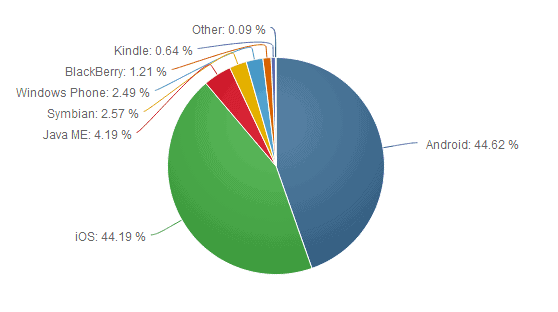
This month of August 2014, iOS browsers comprise 44.19% versus Android’s 44.62% – a close competition between the two mobile browsers.
Source: netmarketshare.com
Related Read: How to Properly Report Problematic Ads in Android Browser
Therefore, it is equally important to report faulty ads appearing in the iOS browser. In order to do this, follow the steps below:
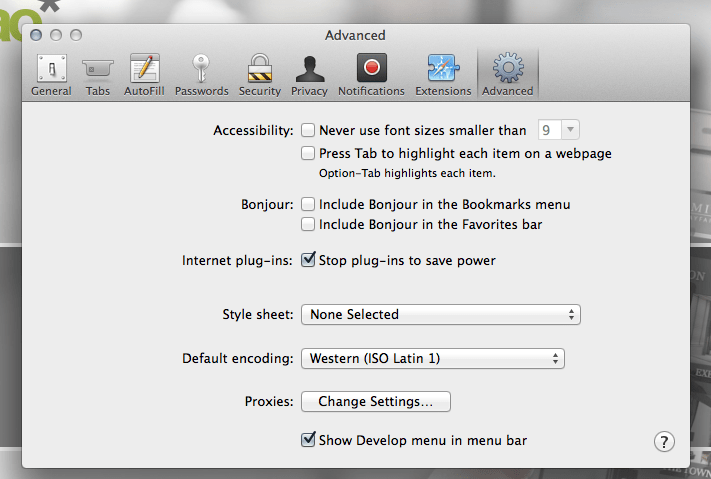
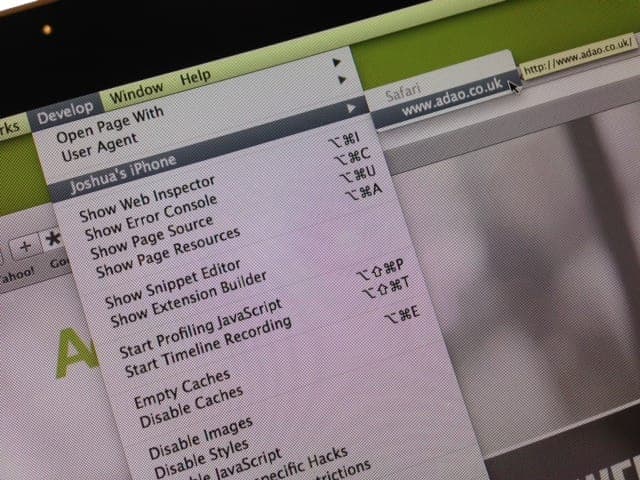
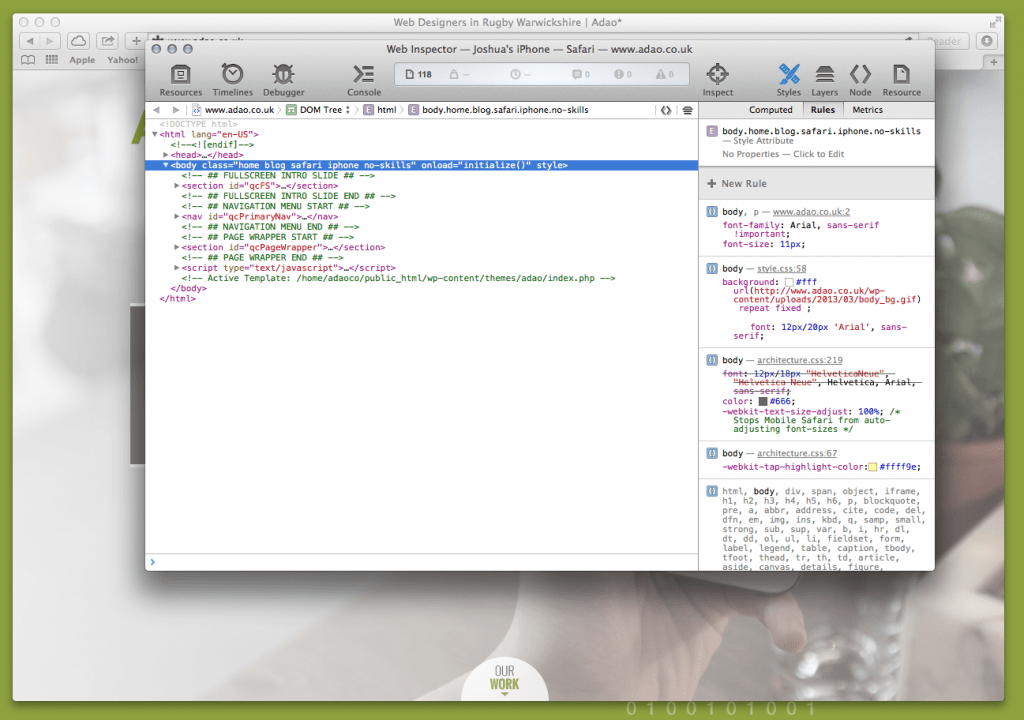
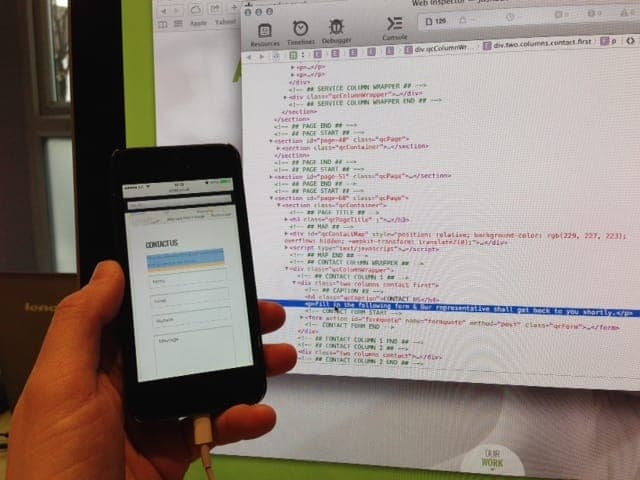
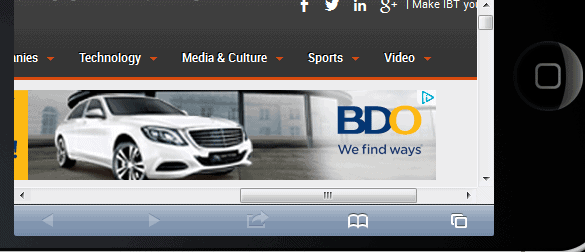
http://support.monetizemore.com/customer/portal/emails/new or if you’re reporting a problematic ad for a site you do not own, email the details to the website’s contact email. MonetizeMore helps publishers monetize their full ad inventory – from setup to optimization, to making sure all ads are relevant and working properly.
If you would like to learn how MonetizeMore can quickly block or fix any of your problematic ads, contact us for a free consultation. Feel FREE to sign-up for AdExchange – the best Adsense alternative.
Images and information source: adaodesign.com/inspect-element-on-safari-on-iphone-mobile/
Related Reads:





10X your ad revenue with our award-winning solutions.