





Sign up today and see the results for yourself!
Want to speed up your verification process?
Share a screenshot of your ad revenue from the past 3 months.
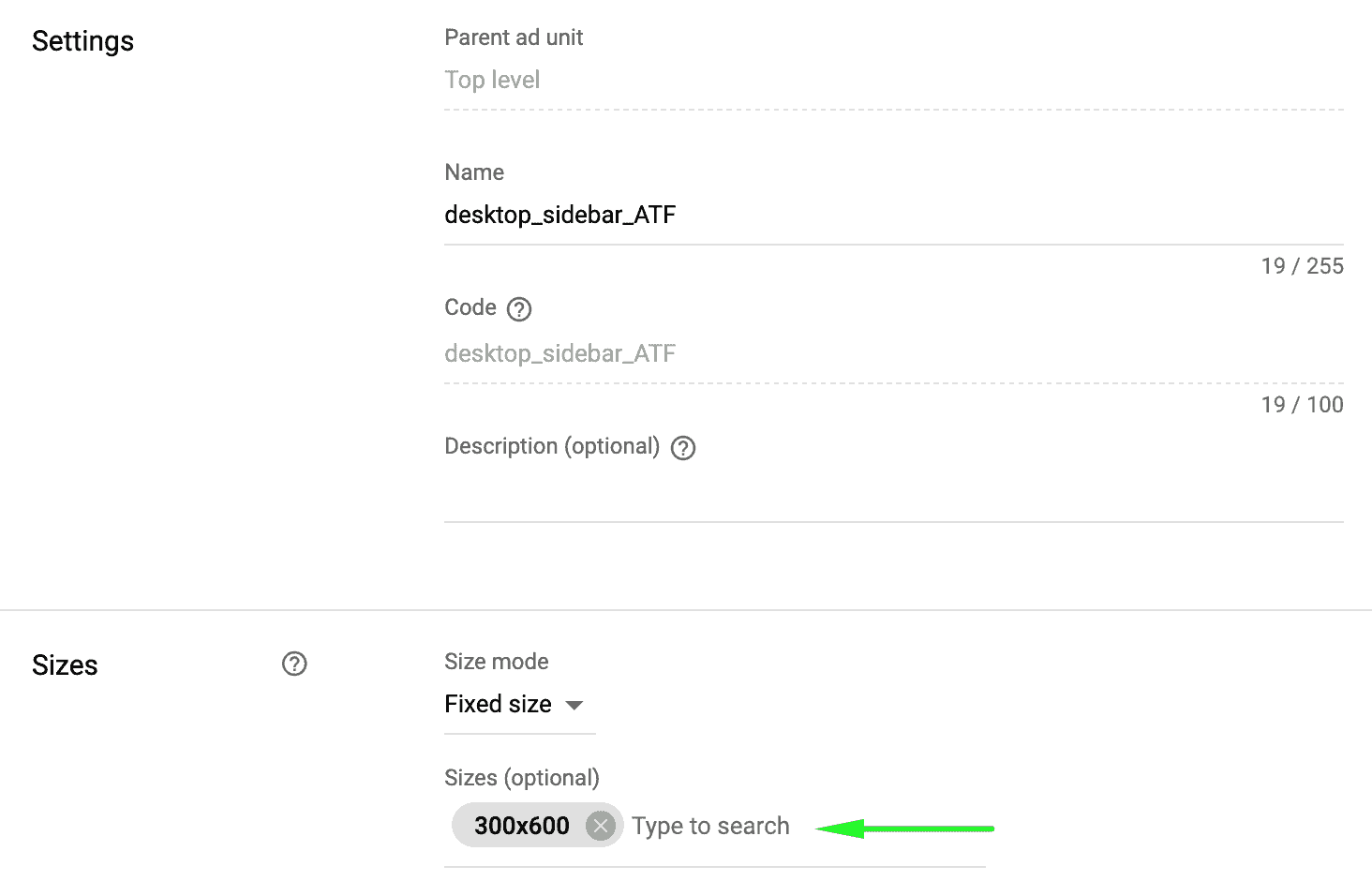
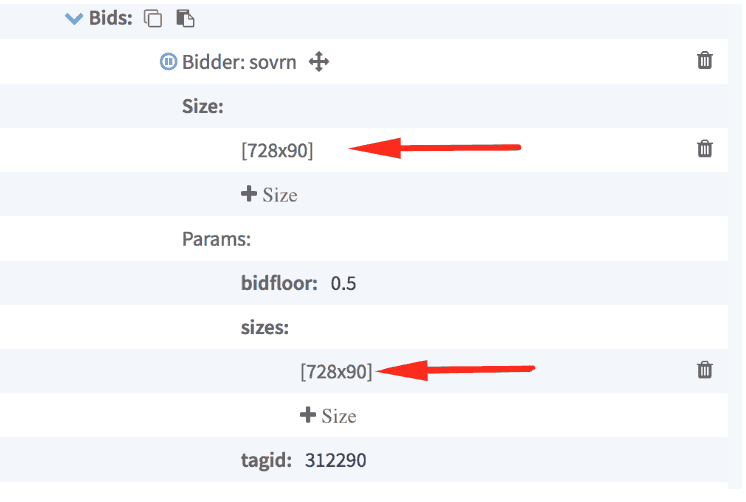
You have added a size in your bidder configuration that doesn’t exist in your Ad Manager ad unit settings.
Step 1: Log into Ad Manager > Inventory > Ad Units
Step 2: Search the ad unit
Step 3: Audit the size/s if correct or complete. Edit if necessary.
Step 4: Open the relevant PubGuru header bidding configuration
Step 5: Audit the parameter sizes. Edit if necessary.
Need more help? Send us an email at [email protected] or log in to PubGuru App and use the Chat widget for immediate support.
Let our AdOps Experts do the hard work. Sign up today and unlock your revenue potential.