





Sign up today and see the results for yourself!
Want to speed up your verification process?
Share a screenshot of your ad revenue from the past 3 months.
We could not detect this potentially high performing bidder on your ad inventory.
Step 1: Log into tools.monetizemore.com > PubGuru Header Bidding > Configurations
Step 2: Open the relevant configuration
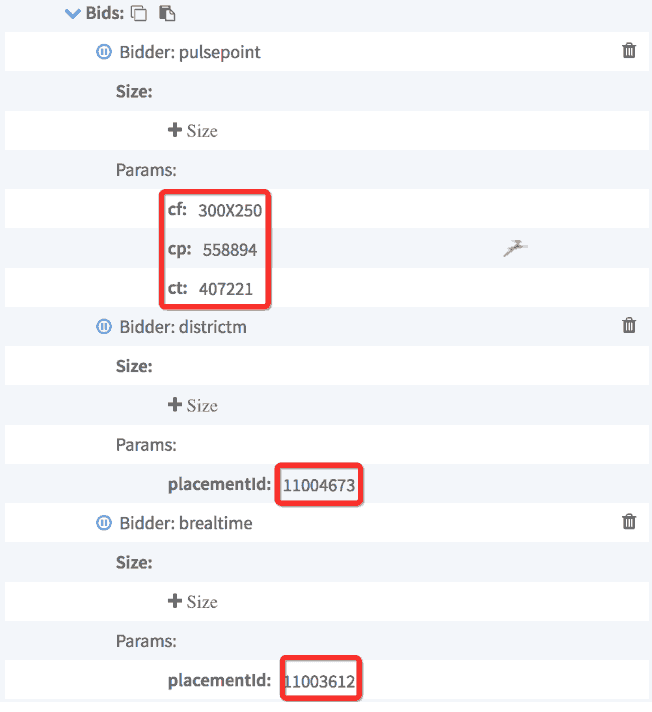
Step 3: Verify the PIDs/parameters are correct
Step 4: Run PubGuru Ad Inspector using a US IP (VPN) as the error could possibly be a demand issue in your geographical location.
Step 5: If the Placement IDs(PIDs) are verified correct and the error persists, try upgrading your HB version.
Step 6: If still getting an error, contact your representative to make sure the domain is whitelisted.
Need more help? Send us an email at support@monetizemore.com or log in to PubGuru App and use the Chat widget for immediate support.
Let our AdOps Experts do the hard work. Sign up today and unlock your revenue potential.