





Sign up today and see the results for yourself!
Want to speed up your verification process?
Share a screenshot of your ad revenue from the past 3 months.
You have configured an Anchor-Bottom unit but we can’t detect the div ID on-page. You could be missing out on the earnings this highly viewable ad unit can deliver.
There are 3 sections where an ad unit div or body tag should be implemented:
Step 1: DFP ad unit code
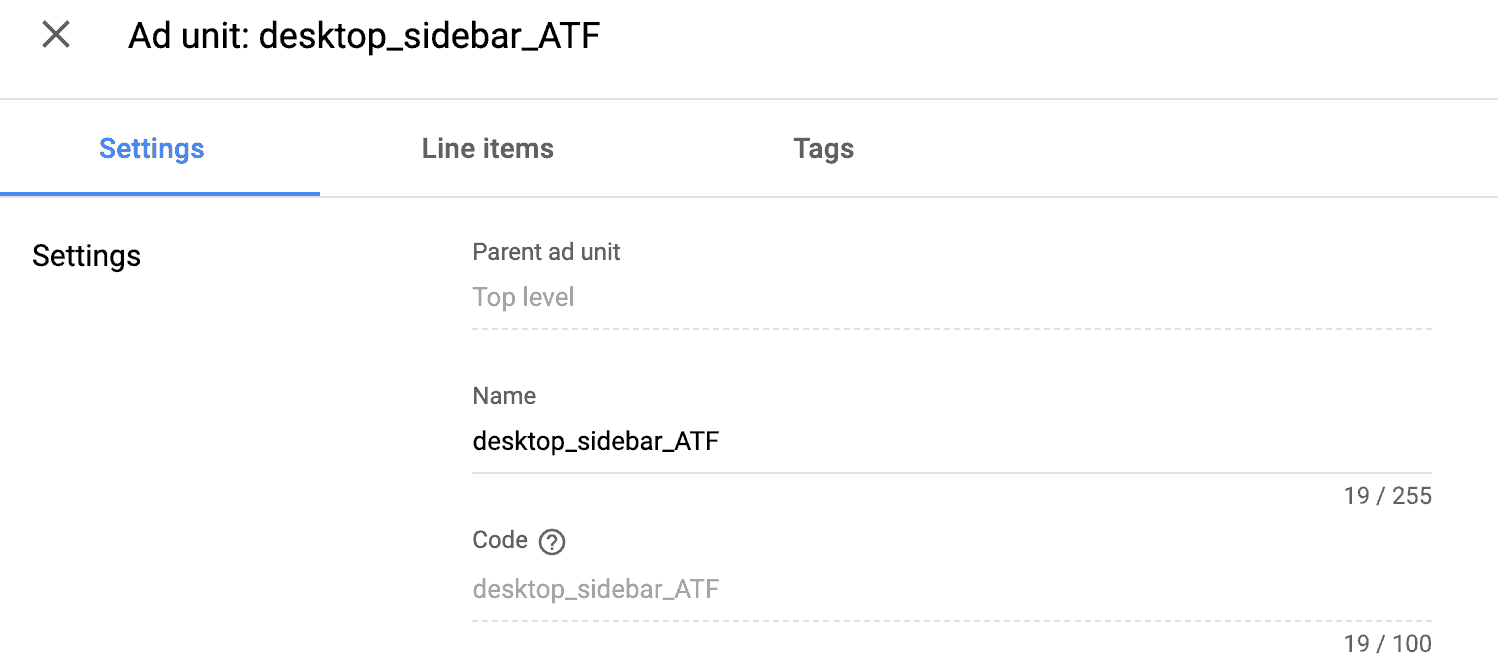
Step 2: Source code within <head> </head> (ON-page setup) or PubGuru header bidding configuration (OFF-page setup)

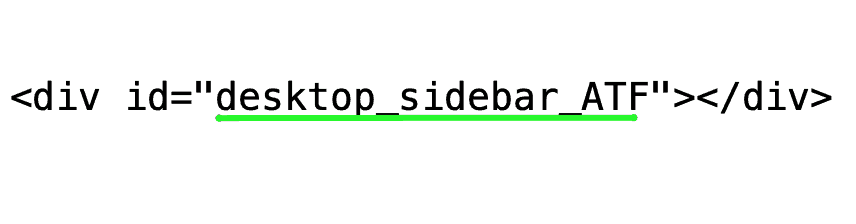
Step 3: Source code, within the <body> </body>
Need more help? Send us an email at support@monetizemore.com or log in to PubGuru App and use the Chat widget for immediate support.
Let our AdOps Experts do the hard work. Sign up today and unlock your revenue potential.