





Sign up today and see the results for yourself!
Want to speed up your verification process?
Share a screenshot of your ad revenue from the past 3 months.
Meaning: You get this notification as a warning for ad networks not detected/configured in any of your ad units.
Step 1: If this is expected, ignore this warning.
Step 2: If this bidder is supposed to be active, check if you have the right bidder adapter chosen in the configuration:
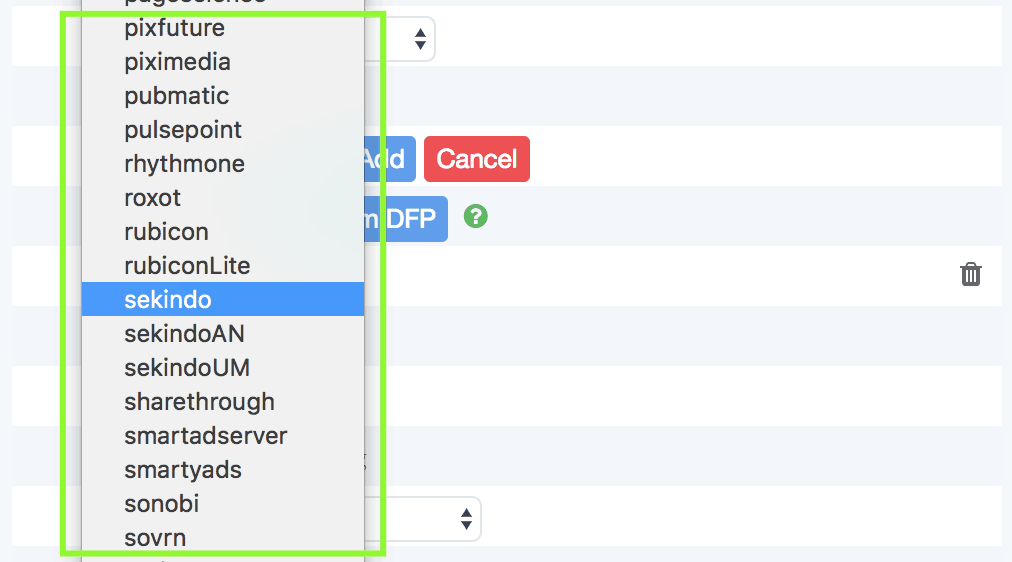
Step 3: Revisit the header bidding matrix for reference on the official prebid adapter by bidder on this page: https://goo.gl/dqkgGu
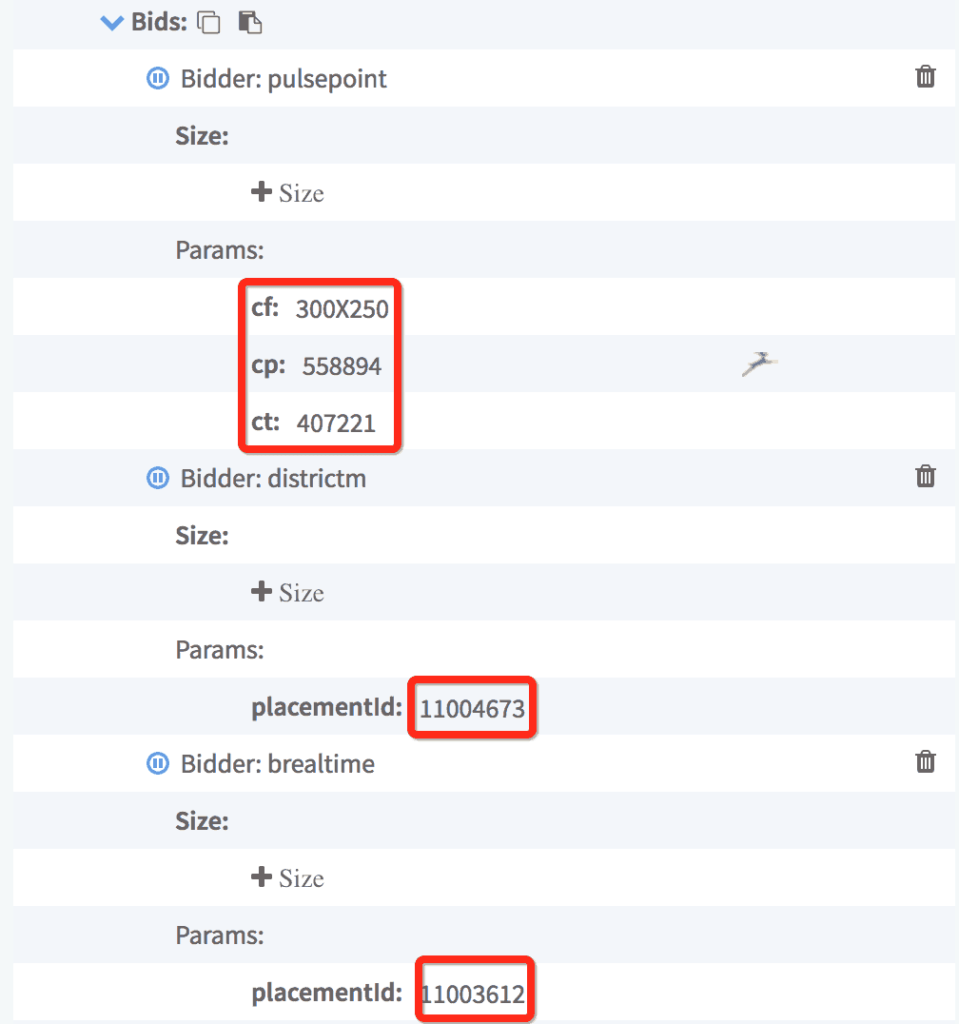
Step 4: Verify the Placement IDS (PIDs)/parameters are correct.
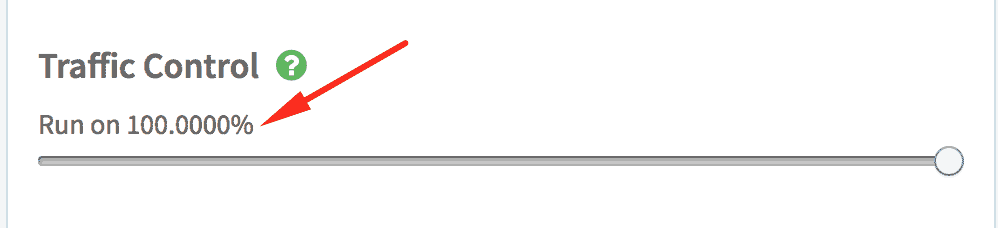
Step 5: Is traffic control set to 100%? If not, header bidding might not load in 100% of your page views.
Step 6: If everything looks good and the warning persists, contact our support team.
Need more help? Send us an email at [email protected] or log in to PubGuru App and use the Chat widget for immediate support.
Let our AdOps Experts do the hard work. Sign up today and unlock your revenue potential.