






Sign up today and see the results for yourself!
Want to speed up your verification process?
Share a screenshot of your ad revenue from the past 3 months.

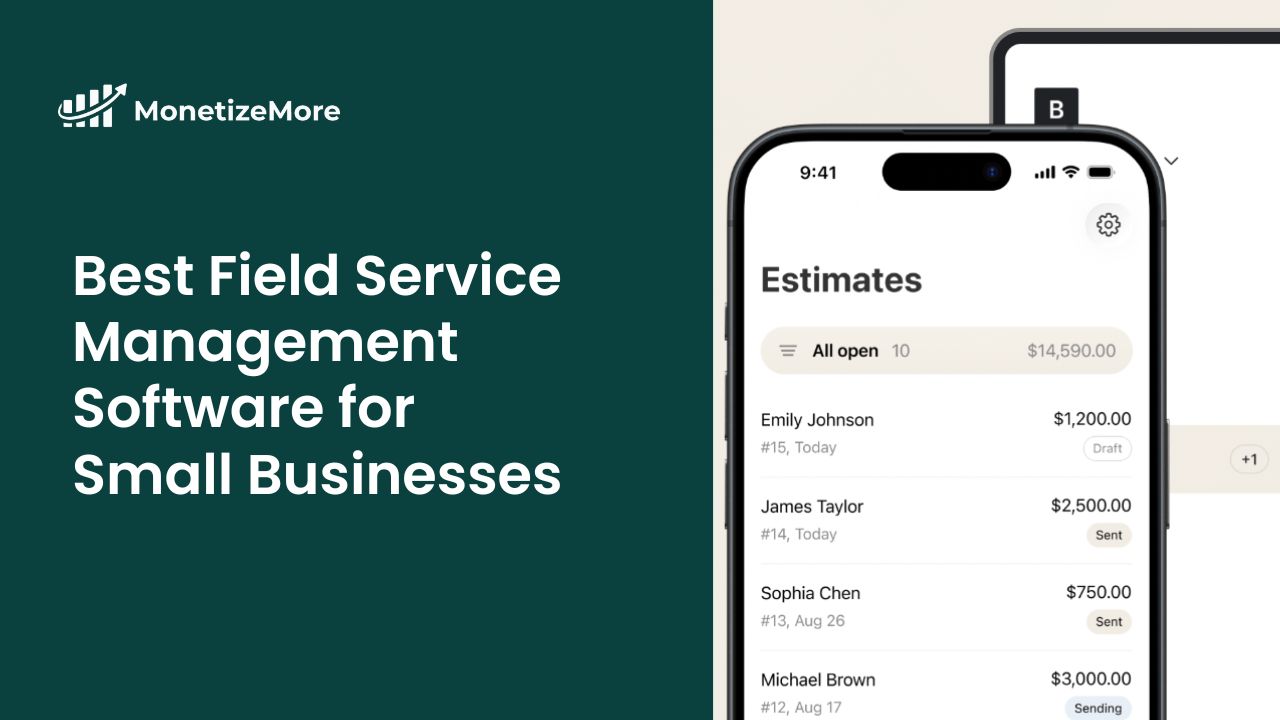
This post was most recently updated on January 22nd, 2026
You know that feeling when you’re juggling three phone calls, two technicians texting you about addresses, and trying to remember which customer needs their annual maintenance? That’s the chaos field service management software is supposed to fix.
Here’s the thing: most software guides throw enterprise solutions at small businesses like you need to manage 200 technicians across five states. You don’t. You need something that works Monday morning without a training manual.
This guide covers software built for small service businesses – teams under 50 people who need real tools, not bloated platforms.
Let me put this in plain English: it’s software that handles everything from when a customer calls to when you get paid. Scheduling, dispatching, invoicing, customer info – all in one place instead of spread across three apps and a notebook in your truck.
Field service management software helps you:
Your field service technicians can see job details on their phone instead of calling you five times a day. Customers get automated updates. You can actually find customer service history from last year. And invoicing happens in the truck, not at your desk at 9 PM.
The best field service management software for small businesses doesn’t need enterprise features. You need work order management that works and a mobile app your crew will actually use.
You’re spending two hours every morning doing dispatch on a whiteboard. Your technicians are calling about addresses. Someone forgot the right part.
Route optimization saves 30-45 minutes per technician daily. Work orders include customer info, service history, and parts needed—so technicians stop calling. Most small businesses see 1-2 more service calls per day. That’s real jobs generating real revenue.
Customers want a text when you’re 30 minutes away, not “sometime between 8 and 5.” They want to pay by card from their phone and book appointments without a phone tag.
Field service software delivers automated communication, professional invoices with payment links, and service history tracking. Faster response, better communication, easier payment means customers who call you back.
Answer “where’s my technician?” without three phone calls. See which jobs are profitable, how long services actually take, and which customers need maintenance soon.
You’ll actually use: jobs completed, revenue per technician, outstanding invoices. Cloud computing means work from anywhere with real-time updates.
A simple field service management tool for small service businesses, covering scheduling, job tracking, and invoicing without much complexity.
Main features: Robust work order management with recurring jobs, client hub where customers book services, route optimization, automated follow-ups, time tracking, strong QuickBooks integration.
Pricing: Plans start around $29/month, with a 14-day free trial available and multiple tiers for growing teams.
Best for: Landscaping, cleaning, property maintenance – growing field service teams (5-50 people) with repeat customers.
Watch out for: Gets expensive as you add users. Feature-rich means steeper learning curve than simpler tools.
A popular all-in-one solution for home service companies, focused on dispatch, customer communication, and mobile-first workflows.
Main features: Text/email automation that sounds human, customer portal with service history, marketing tools built in, payment processing integrated, automated reminders.
Pricing: Pricing typically starts at about $59/month per user, with higher tiers (Essentials, MAX) for more features and team sizes; a free trial is offered.
Best for: Plumbing, HVAC, electrical – home service businesses competing on customer service.
Trade-off: You’re paying for marketing automation you might not need yet. Implementing field service management software like this takes 2-3 weeks to set up properly.
Tofu field management software is a mobile-first tool built for contractors who want to manage jobs, invoices, and payments quickly without heavy setup.
Main features: Job-based work order tracking, invoice creation and syncing, customer management, estimates with one-tap conversion to invoices, online and on-site payments, mobile-first app with offline support.
Pricing: Free to try, paid plans start with $9/week.
Best for: Solo contractors and small teams (1-10 people) tired of juggling multiple apps.
Watch out for: If you need advanced features like complex inventory management or big team (20+) coordination, you’ll outgrow this. Built for simplicity.
Why it works: The right field service management software without paying for enterprise features you’ll never use.
A powerful, enterprise-level platform designed for large and growing service companies that need deep reporting, automation, and operational control.
Main features: Advanced dispatching for 15+ field technicians, deep analytics, custom workflows, comprehensive inventory management, integrates with everything.
Pricing: Pricing is custom quote based and generally starts in the hundreds of dollars per month for full packages; demos are available.
Best for: 20+ employees, multiple service lines, multi-location companies, franchise operations.
The catch: Expensive, training-intensive, overkill for five-person teams. But when you outgrow other platforms and need sophisticated resource management, this is the right field service management for scaling.
A highly customizable field service solution built on Salesforce, best suited for businesses with complex workflows and existing CRM needs.
Main features: Sophisticated scheduling algorithms, integration with Salesforce CRM, customizable workflows, advanced analytics, AI-powered optimization.
Pricing: Pricing is quote-based and varies depending on Salesforce edition and customization; often quoted per user/month as part of the Salesforce ecosystem.
Best for: Companies already using Salesforce, 50+ technicians, organizations with dedicated IT resources.
Reality: Unless you’re committed to Salesforce, this is too much. Steep learning curve and enterprise pricing.
A budget-friendly field service management option offering core features like work orders, scheduling, and customer management at a lower cost.
Main features: Work order management, technician scheduling, mobile app, customer management (integrates with Zoho CRM), invoicing (connects to Zoho Books).
Pricing: Zoho’s field service product typically offers tiered subscription plans, often starting at a budget-friendly rate per user/month, but specific current pricing should be checked on Zoho’s site since it varies by edition.
Best for: Small businesses on tight budgets, companies already using Zoho products.
Trade-offs: Interface feels less modern. Features are solid but not cutting-edge. Support can be hit-or-miss.
Red flags: Pushy sales, no clear pricing, require long contracts, bad support reviews.
Green flags: Free trial, no credit card, transparent pricing, industry-specific features, active community.
The best field service management software isn’t the one with the most features. It’s the one your field service technicians will use every day without complaining.
Top field service management software helps your business run smoother, but it won’t fix broken processes. If scheduling is chaos on paper, it’ll be digital chaos in an app.
Choose field service management software that solves your biggest problem today. You can switch later – most businesses do around the 3-year mark as they grow.
Start simple. Use what works. Grow when you need to. The cost of waiting is higher than any subscription.

Kean Graham is the CEO and founder of MonetizeMore & a pioneer in the Adtech Industry. He is the resident expert in Ad Optimization, covering areas like Adsense Optimization,GAM Management, and third-party ad network partnerships. Kean believes in the supremacy of direct publisher deals and holistic optimization as keys to effective and consistent ad revenue increases.

![What are the best ways to optimize Video Earnings [2022]](https://www.monetizemore.com/wp-content/uploads/2021/12/What-are-the-best-ways-to-optimize-Video-Earnings-2022.jpeg)
10X your ad revenue with our award-winning solutions.